iSports TEAM
iSports TEAM the team management app for sporting clubs. Everything you need in one streamlined platform.
More than just team management – TEAM is a powerful platform built for clubs, schools, and teams to manage, communicate, and learn – all in one place.
Designed for seamless video and document sharing, it goes beyond file distribution to enhance coaching, learning, and team collaboration.
Share what matters, how you want—iSports TEAM makes it simple.
Original price was: $64.99.$59.99Current price is: $59.99. + GST every month

TEAM Admin Web Portal
Manage all team communications and administration with your own web-based portal. Easily add members, create groups, share documents, videos, and surveys, and send group messages—all in one streamlined platform.
The TEAM App
Effortless Content Sharing
Your Team, Your App – The iSports TEAM app is available on iOS and Android, giving players and staff secure access to your team’s account anytime, anywhere. Each member gets their own login to view game plans, resources, and communications—all within an app branded with your club’s logo and colours.
Calendar
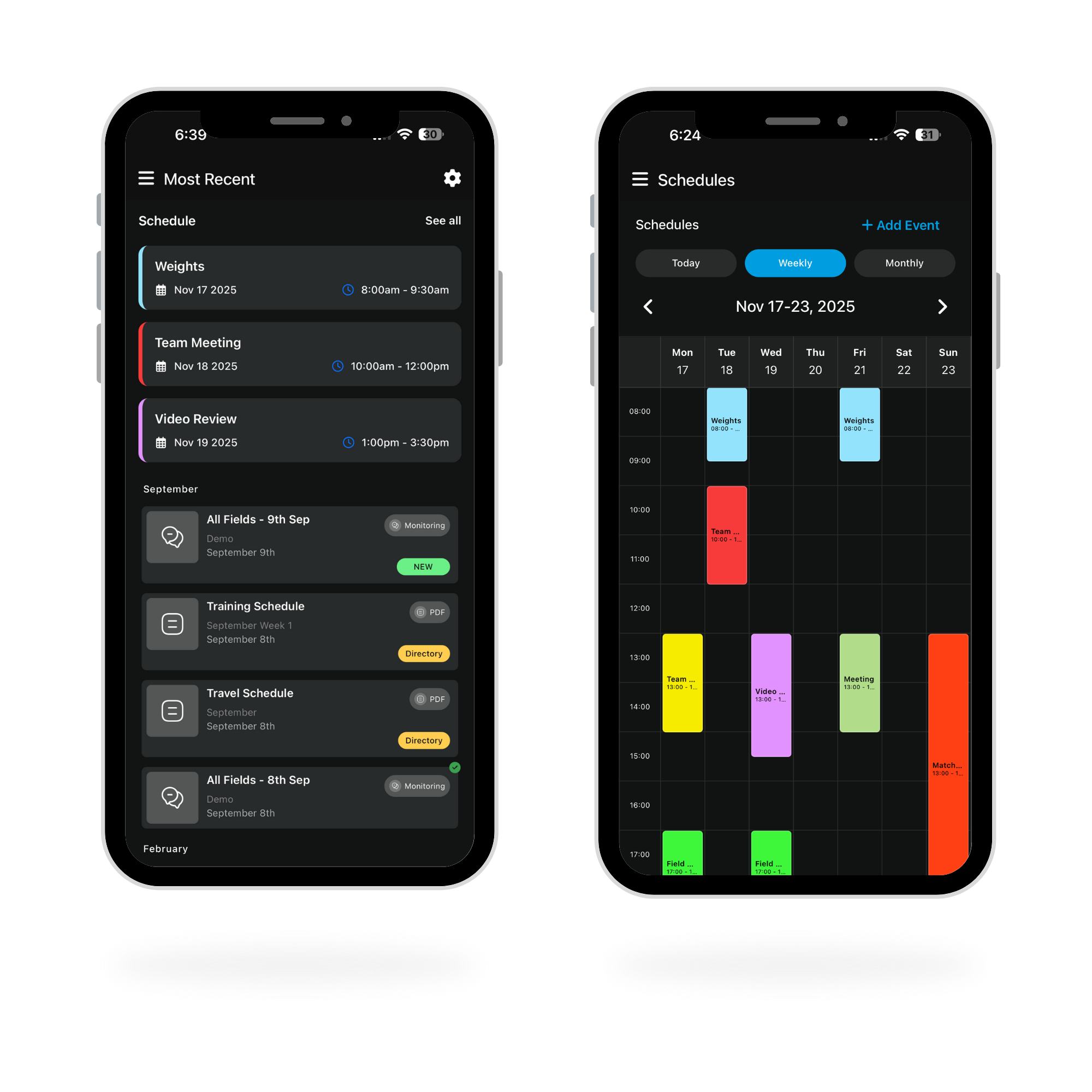
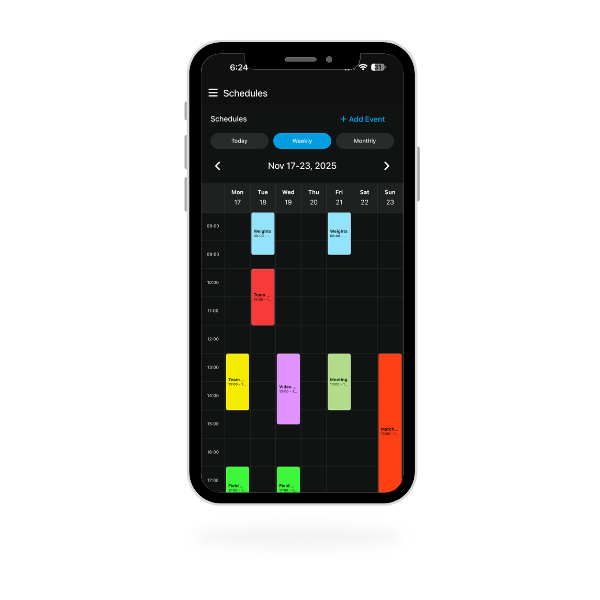
Bring clarity to your season with a fully integrated team calendar. Schedule trainings, matches, and team activities and have automatic alerts sent to every player.
Calendar Features
✔ Schedule Overview – See your next upcoming events on the home feed.
✔ File Upload – Need to send out a document with the event reminder? No problem, easily upload images and PDFs direct from your device to be shared with members in the event.
✔ Automated Reminders – Members receive event notifications when added to events and automated reminders in the lead up to events.
✔ Alternate Views – Switch between daily, weekly, or monthly views of your upcoming schedule.

Messaging Features
✔ Two-Way Messaging – Streamline communication with direct chat threads.
✔ Individual & Group Messaging – Reach players one-on-one or send updates to the entire team.
✔ Video and Document Sharing – Send images, PDFs, and Videos directly within the message threads from your mobile device.

TEAM makes it easy to upload and distribute key resources like videos, PDFs, and images to players and staff. Once uploaded, selected members receive instant notifications and can access content anytime, anywhere—thanks to cloud-based storage.
Powerful Content Features
✔ Seamless Video Support – Stream or download common video formats (MOV, MP4) directly from the app.
✔ Coded Video Playback – Navigate video timelines with XML-coded data and select key moments to review.
✔ Document & Image Sharing – Send schedules, fixtures, itineraries, and game plans directly within the app.

Monitor crucial metrics remotely including:
✔ Wellness indicators across physical and mental domains.
✔ Injury status and recovery progress through automated questionnaire.
✔ Performance metrics specific to your sport.
All data is seamlessly consolidated and visualised in the intuitive iSports Admin portal, empowering coaches and staff to make evidence-based decisions about training, competition readiness, and athlete well-being.

Deploy surveys instantly and receive real-time feedback to ensure your athletes aren’t just physically prepared, but mentally sharp as well.
✔ Create engaging quizzes with multiple choice questions
✔ Assess knowledge retention following team meetings
✔ Identify knowledge gaps to improve future training sessions
✔ Track improvement over time with comparative analytics

Keep on Top of Your Team’s Engagement
Monitor who sees each file uploaded with detailed visibility tracking. Instantly know when a file has been viewed, by whom, and how often.
✔ Generate reports on time spent viewing each file uploaded.
✔ Set permissions to restrict access to certain users/user groups.
✔ Understand user behaviour and interaction with the files you upload.