
iSports Video Analyser Live
Analyse the game as it happens.
Turn live match footage into real-time coaching insights. Tag key moments, review the action and make more informed decisions while the game is still being played.
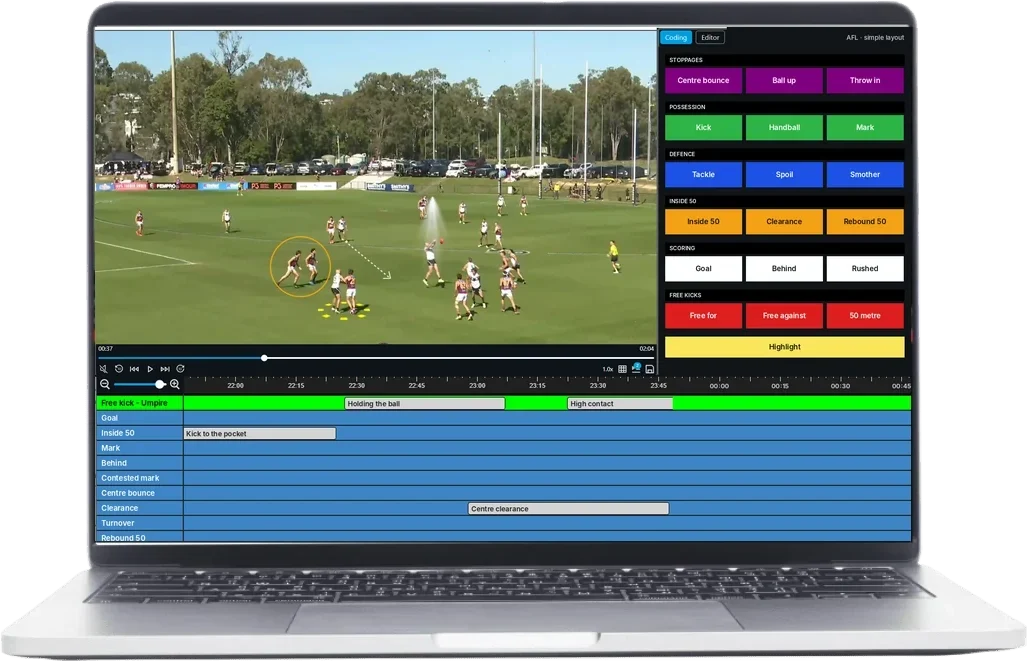
At the ground or working remotely, the analyst codes each moment as it happens.
Each tagged event comes through during the game, ready to watch before the next decision.
Make decisions during the game
Don't wait for Monday's review.
Most video analysis happens after the match, when the chance to change the result has gone. Video Analyser Live puts tagged vision in front of your staff while there's still time to act on it.
See it again before the next contest
Rewind a tagged moment while the game is on and check what really happened at the stoppage, the ruck or the restart.
Adjust a matchup or structure in the same quarter.
Walk into the break with vision
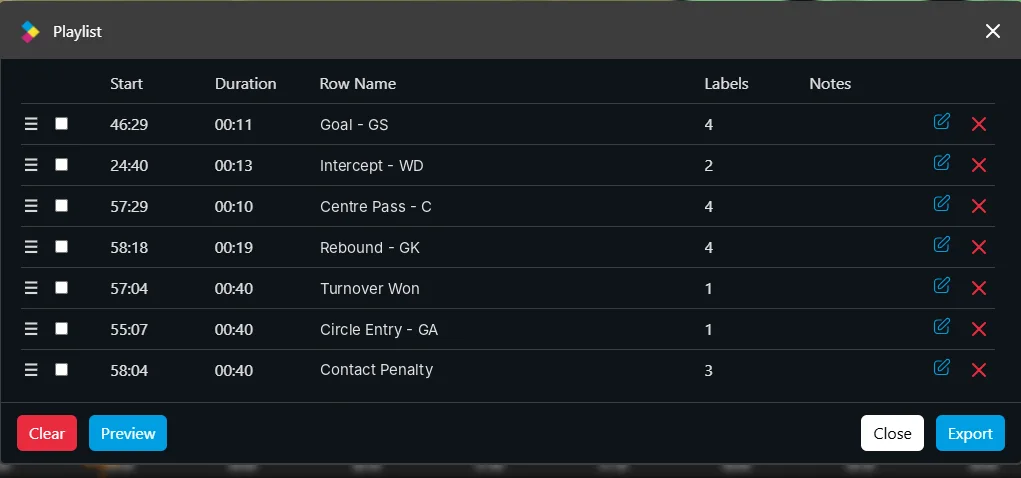
Key moments are already tagged and lined up, so your analyst can pull the three clips that matter before the players sit down.
Quarter-time and half-time messages backed by video.
Back your game-day calls
While the analyst tags, coaches on the sideline see each event come through and can watch the moment itself instead of relying on a recollection from the far side of the ground.
Decisions based on what happened, not what someone remembers.
How it works
From live feed to full-time review.
Four steps, one workflow. The tags you make during the game are the start of your post-match analysis.
- STEP 1
Connect your live feed
Bring a compatible live match feed into the analysis workflow. We set up the connection with you before game day.
- STEP 2
Tag the action
Record important match events as they occur, each one stamped to the match clock.
- STEP 3
Review key moments
Coaches on the sideline see the tagged events and revisit the footage during play.
- STEP 4
Analyse after the match
Keep reviewing the coded footage after full-time, with every live tag already in place.
Features
Built for game day.
Everything in Video Analyser, with the live feed, live tagging and in-game replay added.
Live video integration
Bring a compatible live match feed straight into Video Analyser. How it connects depends on how your games are filmed and streamed, and we configure it with you.
For coaches · One feed for tagging, replays and review.
Real-time event tagging
Tag events with one click as they happen, from a coding panel set up for your sport. Each tag is stamped to the match clock.
For coaches · Moments are marked once, not hunted for later.
Rewind and replay
Jump back to any tagged moment during the match, watch it again, then return to live in one click.
For coaches · Check the contest before the next stoppage.
Remote live analysis
Analysts can tag the game from the live feed while working away from the venue.
For coaches · Live analysis without another seat in the box.
Sideline coaching review
While the analyst tags, coaches on the sideline see the events as they are coded and can watch the moments that matter. Line up clips in a playlist for the break.
For coaches · Decisions and feedback at the break are backed by vision.
Post-match analysis
Your live tags carry into the full-game review. Refine the coding, draw on the play, build playlists and share clips.
For coaches · Monday's review starts with the work already done.
Two ways to use iSports Live
Your team, or ours.
Use the software with your own staff, or have an iSports analyst tag your games remotely. Many clubs start one way and add the other.
Your team, your analysis
Your own staff use iSports Video Analyser Live to tag match events and review game footage.
- Your analyst tags the game as it's played
- Coaches on the sideline see each tagged event
- A coding panel set up for your sport and your game model
- Keep analysing in Video Analyser after full-time
Best for clubs with an analyst, assistant coach or student who can tag on game day.
Book a DemoLet iSports handle the analysis
The iSports analyst team provides remote live tagging from your match feed, subject to agreed match coverage and setup.
- An iSports analyst tags your game live, away from the venue
- No analyst needed at your club
- Your coaches see the tagged events on the sideline
- Coverage and setup agreed with you before game day
Best for clubs that want live analysis without the staff to run it.
Enquire about live taggingBuilt for your sport
Your sport. Your coding panel.
Coding layouts and the events you track are set up for your sport and your coaching needs, so tagging on game day uses the words your staff already use.
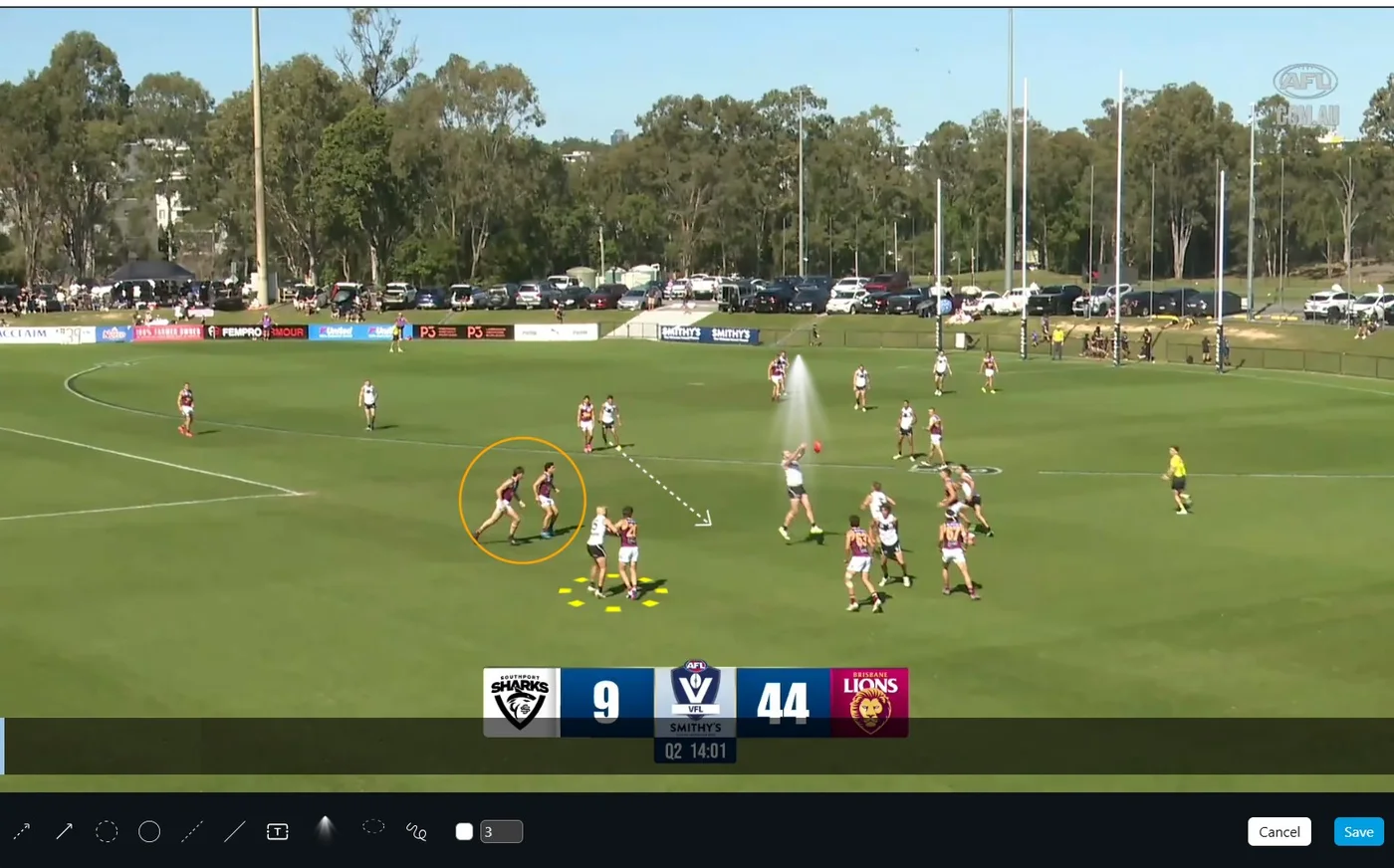
AFL
Track stoppages, entries and scoring chains, with the quarter clock on every tag.
Quarters · Q3 · 18:42
Example events to tag
- Centre clearance
- Stoppage clearance
- Inside 50
- Mark inside 50
- Turnover
- Tackle
- Goal
- Behind
- Kick-in
- Free kick
Rugby league
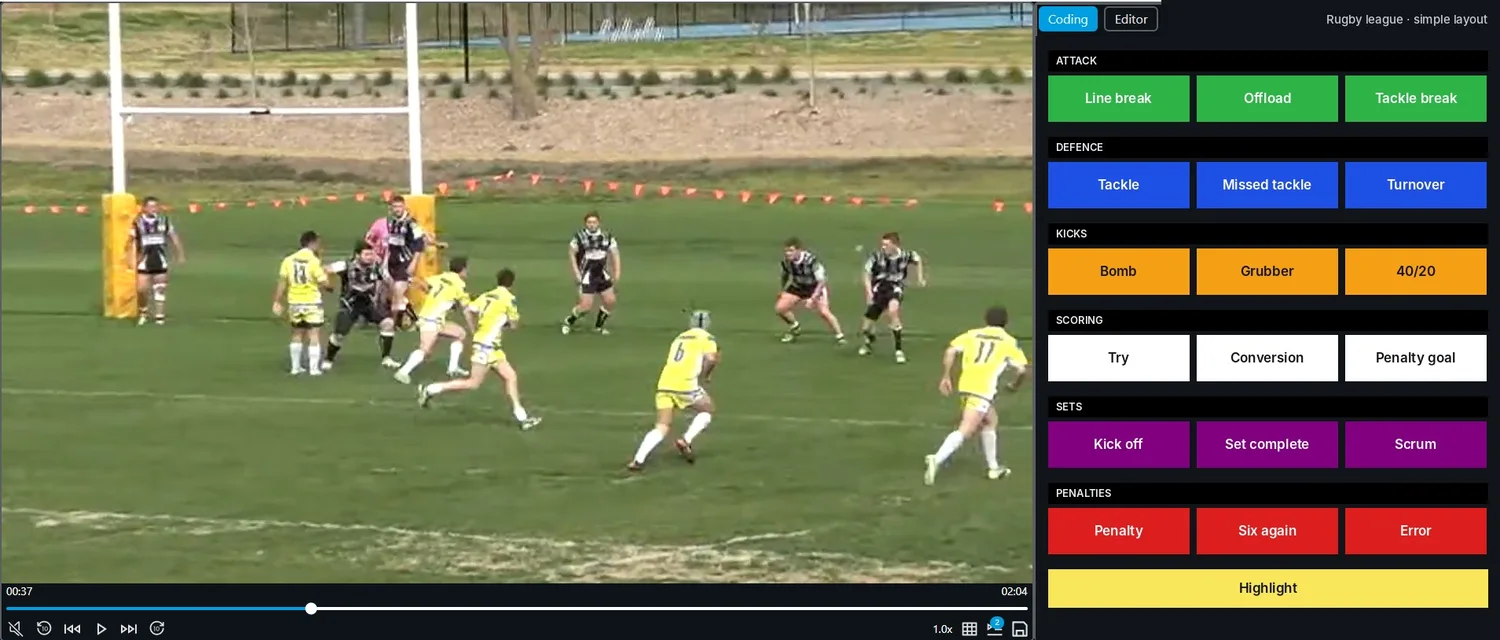
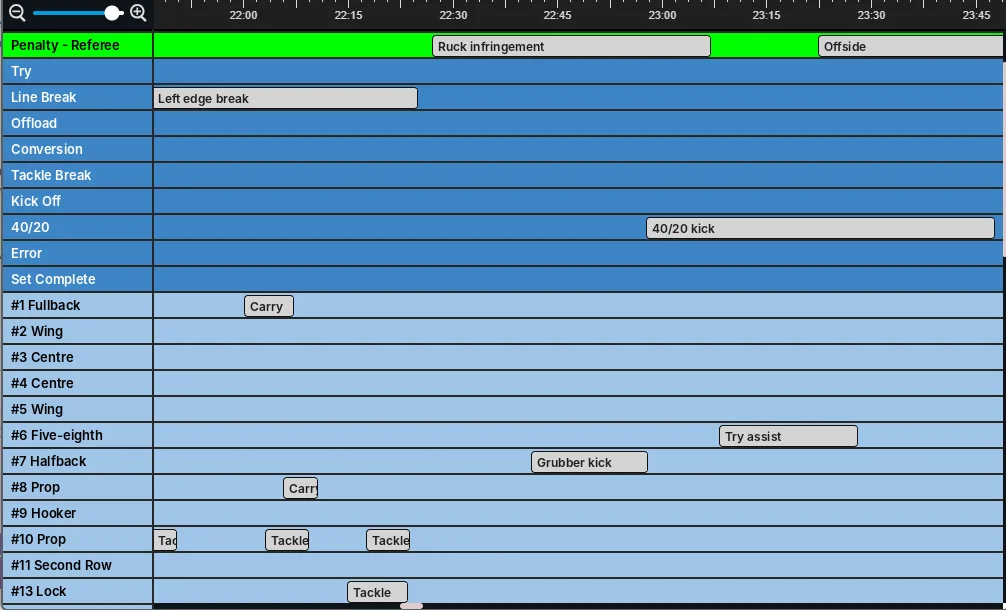
Code sets, breaks and errors in league's own terms, by half and match minute.
Halves · 2H · 54:12
Example events to tag
- Line break
- Tackle bust
- Offload
- Error
- Penalty
- Set restart
- Try
- 40/20
- Kick return
- Ruck infringement
Soccer
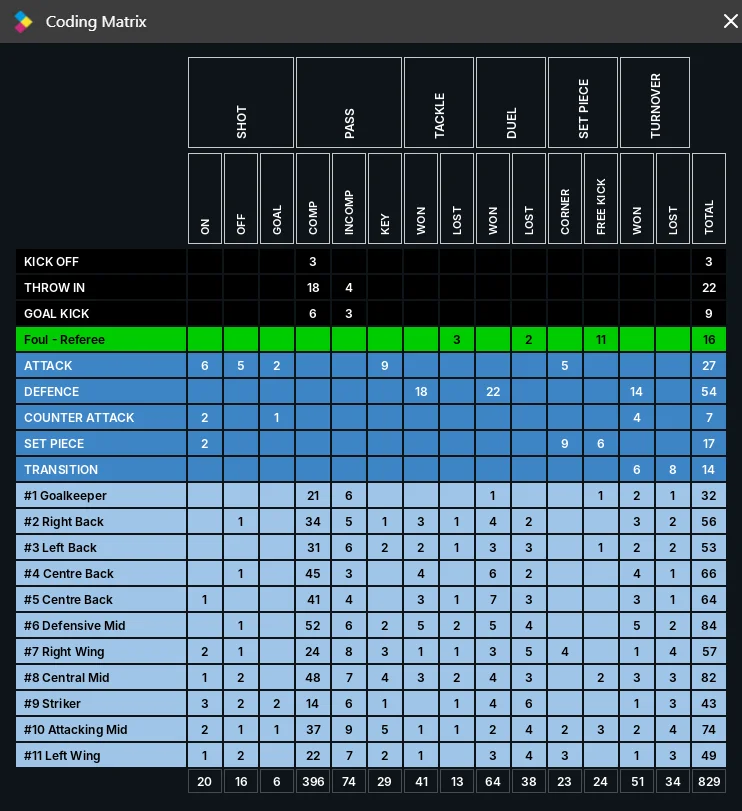
Follow chances, set pieces and transitions, with possession changes on the timeline.
Halves · 2H · 67:30
Example events to tag
- Shot on target
- Shot off target
- Corner
- Free kick
- Cross
- Turnover
- Press win
- Goal
- Offside
Netball
Tag centre passes, feeds and defensive gains through each quarter.
Quarters · Q2 · 08:15
Example events to tag
- Centre pass
- Feed
- Goal
- Missed shot
- Rebound
- Intercept
- Deflection
- Turnover
- Penalty
Other sports
Build your own panel with buttons for the events, players and phases that matter to you.
Your periods and clock
Example events to tag
- Your events
- Players
- Phases of play
- Outcomes
- Field zones
- Set plays
Bring live analysis into your coaching box.
Tell us how you film and stream your games, who's on your staff and what you want to see during the match. We'll show you how Video Analyser Live fits your setup.